


Organise your personal library, Google Fonts, synced Adobe Fonts, and team folders in one lightning-fast, native Mac app. Get every feature out of the box – pay once, own it forever.

Say goodbye to subscription fatigue.
You have enough monthly bills. Typory is built differently. No hidden “freemium” walls, no recurring charges, and no tiered features. You get a powerful, fully-featured font management tool for a single, one-off cost.
Fine tuned with features that matter most
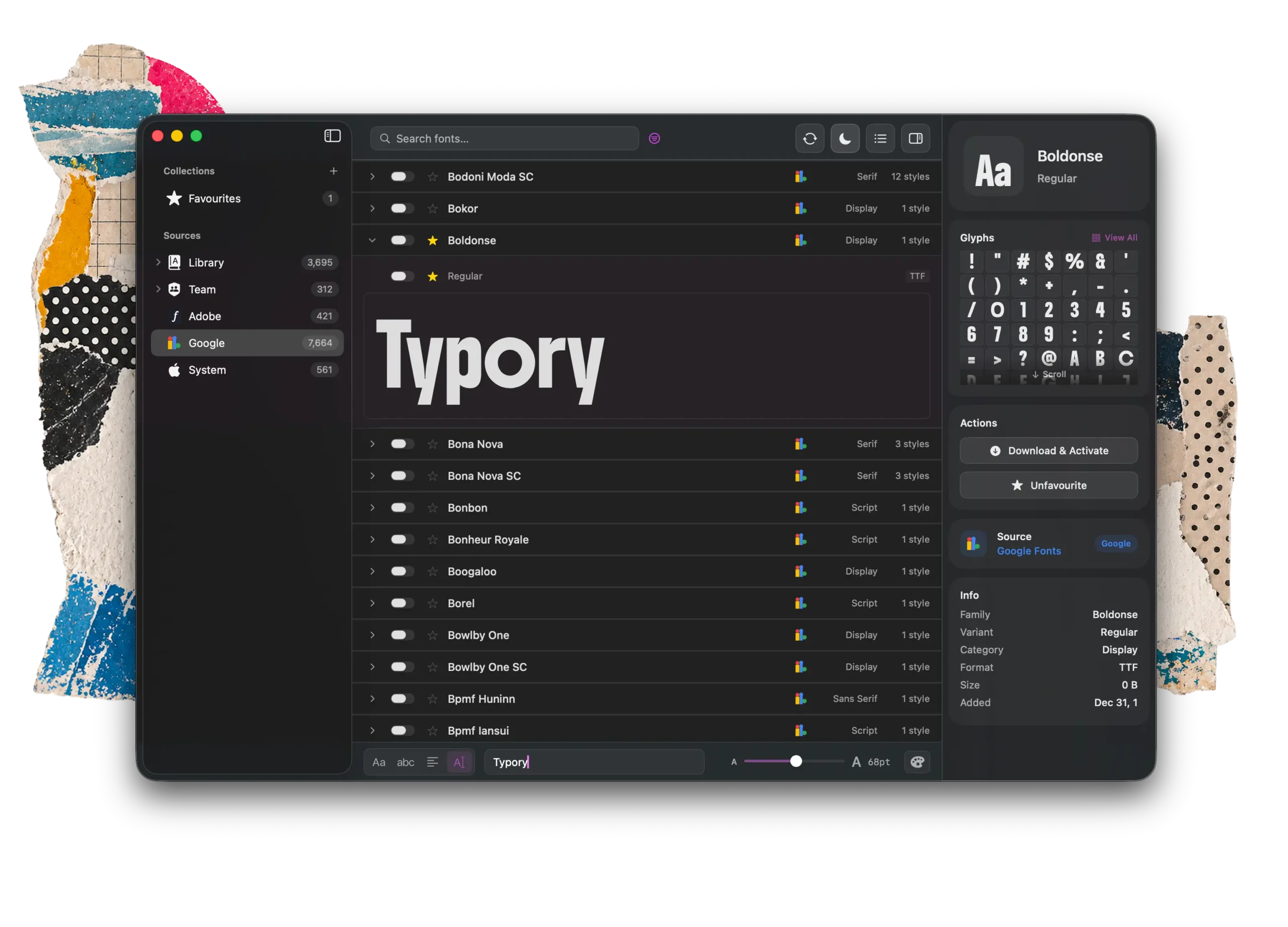
Manage and organise your own personal collections
Set your teams shared archive and browse external sources from Adobe and Google
Active only the families or single varients you need.
Customise your preview
Rich meta data about the highlighted font
Glyph viewer
Integrations
Browse all your fonts from personal and shared team collections. Plus your favourites from Adobe and Google, all in one place.
Integrations
Browse all your fonts from personal and shared team collections. Plus your favourites from Adobe and Google, all in one place.

Adobe Fonts
Only the fonts you have synced from your Creative Cloud fonts account appear here

Google Fonts
The whole Google fonts library at your fingertips to browse and activate

Team Fonts
Have one central place for your agencies fonts. Mirroring the file structure set in the cloud.

Stay in sync
Typory connects to your linked folders allowing you to use any cloud service you like to sync your fonts across multiple Macs – whether that’s Dropbox, Google Drive or just a shared network folder.
FAQs
Is it really a one-time purchase?
Yes. Typory is a single, one-off cost. You get all features out of the box with no recurring subscriptions or hidden freemium upgrades.
Does it sync the entire Adobe Fonts library?
To keep the app fast and streamlined, Typory pulls in the Adobe fonts you have actively decided to sync to your machine, rather than forcing a download of the entire massive Adobe library. Make these available for all apps in your Creative Cloud app.
How does team syncing work?
It’s simple. You can designate a folder on a cloud drive (like Dropbox or Google Drive) as a custom source. Anyone on your team who points Typory to that folder will instantly have access to the same organised fonts.
Can I use it across my desktop and MacBook?
Absolutely. By storing your personal library a cloud drive, Typory will display your custom collections synced perfectly across all your Macs.

